OPENING QUESTIONS: The very first "micro computers" such as the IBM Personal Computer seem somewhat *ahem* quaint(?) to us today. Go and find the system specs for an IBM PC back in the 80's.
OBJECTIVES: I will be able to accurately describe "Big Data" during today's class
WORDS FOR TODAY:
- Big Data - a broad term for datasets so large or complex that traditional data processing applications are inadequate.
- Moore's Law - a predication made by Gordon Moore in 1965 that computing power will double every 1.5-2 years, it has remained more or less true ever since.
WORK O' THE DAY:
In 1979 I took my first computer science course at UPS.
We speant half a semester learning BASIC and half a semester learning FORTRAN.
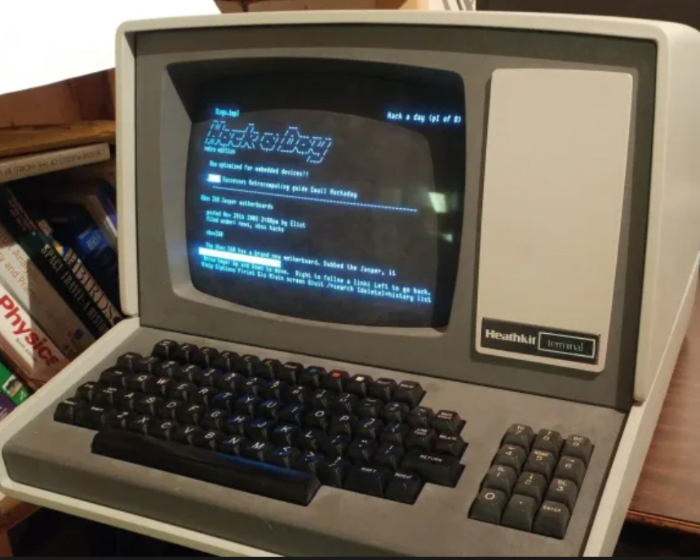
There were a few VDT's on campus:
They were terminals only - which is to say they were connected to a central computer that did all the work.
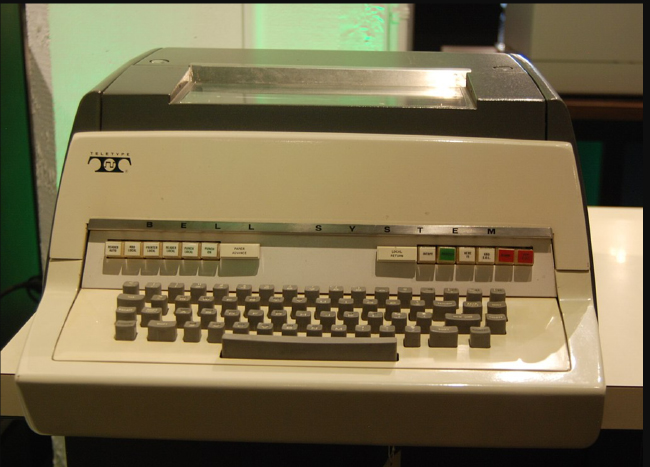
The bad news was if the upper classman were hogging the VDTs us freshman folk had to settle for the teletype version: (NO SCREEN!)
Still, that was a WHOLE lot better then some of my friends who were at large universities. Two of my high school classmates who went to the University of Hawaii and Colorado University had the ultimate misfortune of using Punch Card based computers (GULP!)
═══════════════════════════
The Evolution of the Personal Computers I've Used or Owned since ~1983
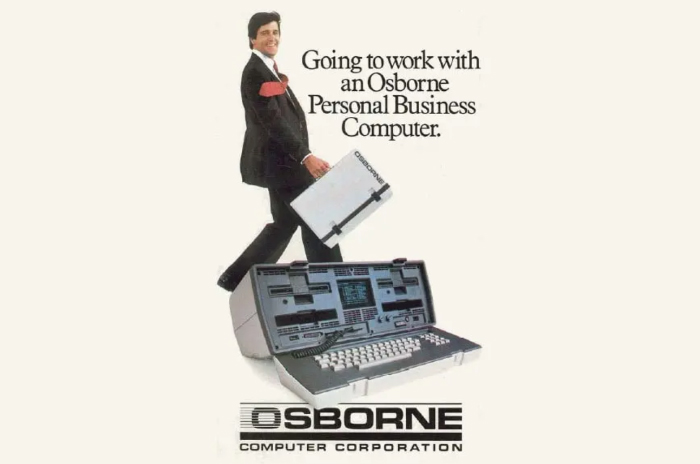
- The Osborne Portable - Early 1980's
- A: Floppy Drive #1
- B: Floppy Drive #2
- CP/M Operating System (An early competitor to DOS)
- 5" video screen (built-in)
- Optional 12" (?) screen that had to scroll back and forth!
- Required an AC power supply (You had to plug it in)
- Processor: 4 million instructions per second
- Memmory: 64 kb
- Weight ~ 25 lbs!
- Cost in 1983 ~ $2000 (about $6,000 today)
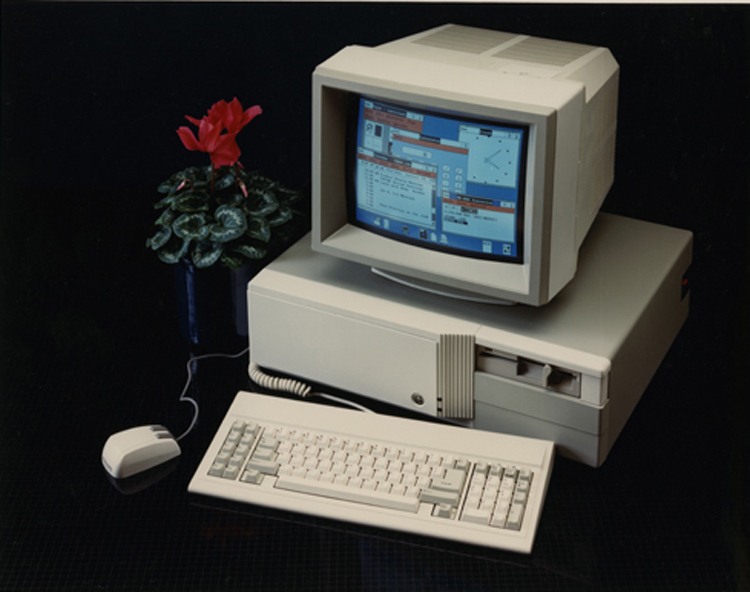
The IBM PC ~1984
- The 8086 processor could only work with 16 bits of data at a time at a rate of 4.77 million instructions per second.
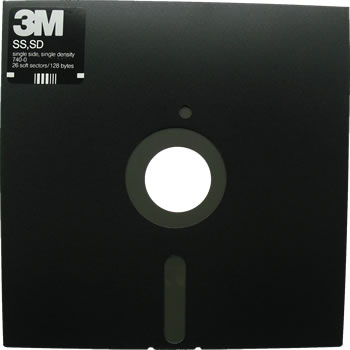
- Additionally, data storage was limited to 160 kb "single sided single density" floppy disks. The 'addressable" memory was also limited to 160kb (since the floppy disks were used to load programs into memory)
1) With that in mind, talk with your group about how that limited processing data using such programs as Lotus 1-2-3 and Visicalc (a simple 10 name spreadsheet needs ~10k of space)
2) Since the mid-late 80's.... IBM type personal computers have gone through MANY iterations (this is my recollection, actual values are, I'm sure, a bit different):
IBM 80286 - Mid to Late 1980's
- 16 bit processors
- ~5 million instructions per second processing speed
- 320 k memory
- Disks (Storage and/or Programs)
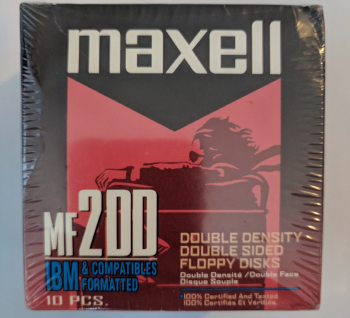
- Initially an "A" drive for "Double Sided Double Density" Floppy Drive
- Initially a "B" drive for "Double Sided Double Density" Floppy Drive
To run a program or a game we had to insert the "program" disk into the A drive, wait a few moments while it grunted and groaned (literally!) and loaded the program into RAM.
We then used that program to make a spreadsheet, do word processing or play a game. Anything that we wanted to save had to be saved on the "B" drive disk.
Oh and all commands were typed in by hand into the "prompt" so that the operating system (usually Microsoft DOS) could access your program disk and/or your data disk.
For Example:
to run the most popular word processing program (WordStar):
a:> run ws
to see what files you already had saved on your b: drive:
cd b:
dir b:*.*
- I paid $450 used ($932 today)
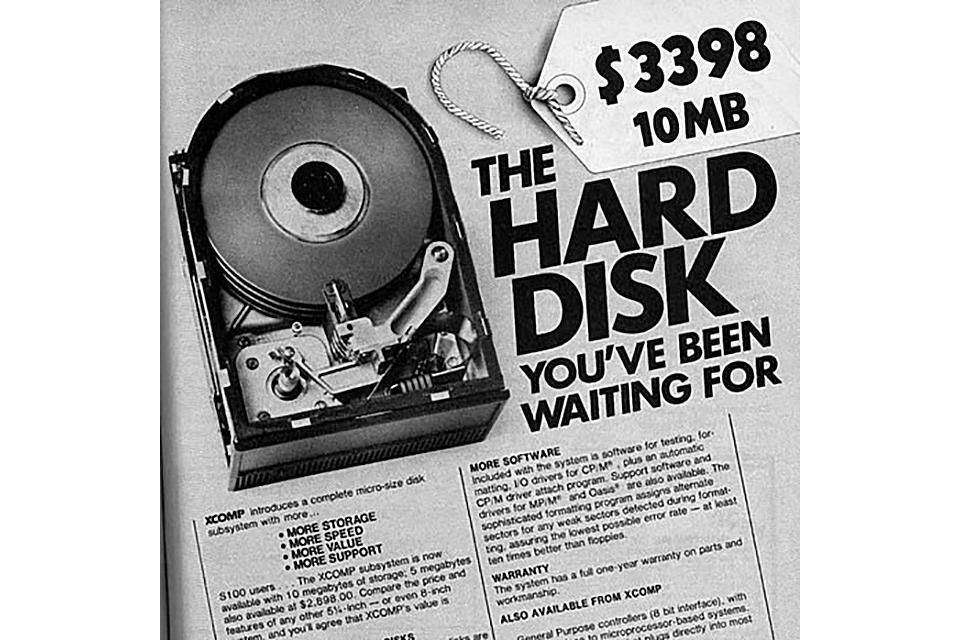
- I plunked down a few hundred bucks to by a 10 mb "hard drive" (They came down in price pretty quickly from their original cost shown below)
0000hhhhhhhhhh!
IBM 80386 processors
- 1990 - 1995 or so
- 32 bit processors
- ~10 million instructions per second processing speed
- 640 k addresable memory
- 4 mb "RAM" (each additional 1 mb of ram was about $100)
- ~40 mb hard drives
- I paid $1750 New ($3209 today)
80486 processors
- 1992 - 1998 (or so)
- 32 bit processors (64 bit available, not common though)
- 640 k memory
- ~20 million instructions per second processing speed
- 16 mb RAM
- ~320 mb (or so) hard drives
- I didn't buy one
- This was billed as the "last computer you'll ever buy". The idea was to pop put the processor and plug in the next generation chip. It didn't happen
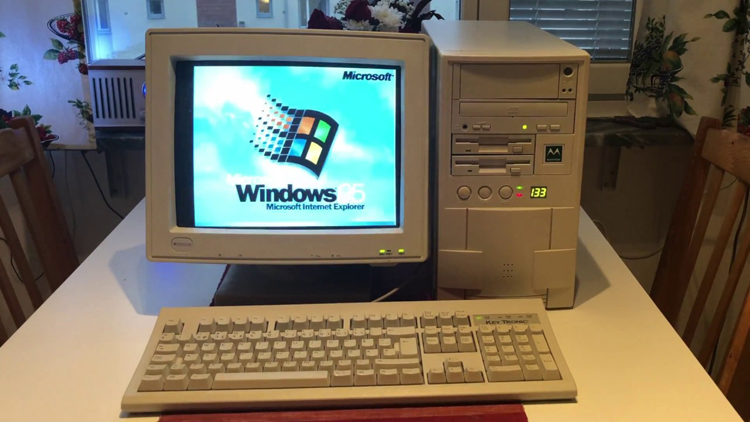
"Pentium" 60, 120, 160, 200 etc.. processors
- 1995 - 2005
- 32 bit processors (64 bit available, not common though)
- ~60, 120, 160, 200 etc... million instructions per second processing speed
- 640 k memory
- 16 mb RAM
- First 500 mb "hard drives"
- I paid $2500 (worst pc I ever bought - $4200 today)
Pentium II's then Pentium III's
- 2000 - 2010
- I paid around $750 - $1200
My current Dell LapTop
- ca 2015
- 64 bit processor
- 4 gb of RAM upgraded to 32 gb just recently
- 2.10 BILLION instructions per second processing speed
- 255 gigabyte SSD hard drive storage
- I paid $175 - refurbished <not usually a good idea, why?>
Take a look at that data (remember, it's my best recollection) and make general conclusions from that.
I started my database consulting business in 1992 with a 386 computer that processed data 16 bits at a time at a rate of 16 millions instructions per second . There was 2 mb Ram (but I paid another $200 for 2 more mb) onboard and an 80 mb hard drive. I paid $1750 new for that desktop computer.
What types of clients could I work for?
What sort of work could I do?
═══════════════════════════
In 2000, I worked to assemble a Washington State voter file for a client. There were just over 3 million records in that file. My database software allowed for file sizes of 2.00 gb. THAT was considered VERY BIG DATA at that time (at least for a desktop application).
Take a look at my laptop specs, how many records (let's guestimate 1000 records = 10000 bytes, or 1000 bytes per record) do you suppose I could *comfortably* store and process on my computer?
What limitations might I experience?
How could I address those issues?
═══════════════════════════
Have a conversation with your group and write down examples of BIG Data that is stored by various entities (Please be as specific as you can). Also, do a wee bit of research and come up with a group definition of "Big Data" in terms of the size of the files.
Imagine you are the database manager of the Bank of America database. How many customers do you have?
How many different types of transactions do you have to account for every day?
Let's take a stab at a data 'schema' for those types of transactions.
What other records do you have to be able to link to for that customer?
Now let's say you have to determine how reliable that system is going to be... what sort of (by percentage) error rate would be acceptable to you?
How would you address those?
═══════════════════════════
From Indiana University: https://kb.iu.edu/d/ackw
one 1 GB is 1,024 MB, or 1,073,741,824 (1024x1024x1024) bytes.
A terabyte (TB) is 1,024 GB; 1 TB is about the same amount of information as all of the books in a large library, or roughly 1,610 CDs worth of data.
A petabyte (PB) is 1,024 TB. 1 PB of data, if written on DVDs, would create roughly 223,100 DVDs, i.e., a stack about 878 feet tall, or a stack of CDs a mile high. Indiana University is now building storage systems capable of holding petabytes of data.
An exabyte (EB) is 1,024 PB.
A zettabyte (ZB) is 1,024 EB.
Finally, a yottabyte (YB) is 1,024 ZB.
═══════════════════════════
Let's talk data:
- What is a field of data?
- What is a record of data?
- What is a table of data?
- What is a database?
What is a super computer?
Let's take a gander at a TED talk on BIG Data....